Audio Learning in Learning Clarity: Listen, Generate Podcasts, and Talk Live
Updated
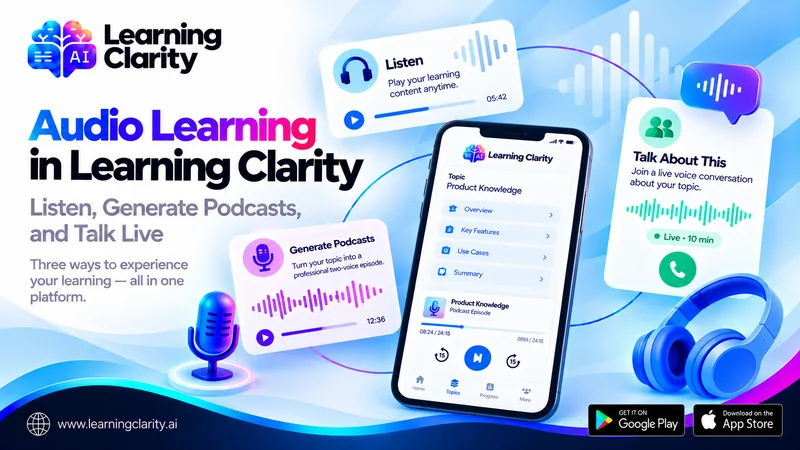
Audio is not one feature in Learning Clarity. It now supports several distinct experiences around the same Topic structure: learners can listen to learning content, generate a podcast-style episode, or start a live “Talk about this” voice conversation.
These capabilities are related, but they are not interchangeable. One supports direct listening, one creates reusable audio content, and one creates a fresh live voice session. Understanding the difference matters for both learners and L&D teams.
Together, they extend the ways people can interact with Topics and Subtopics inside Learning Clarity while keeping Explain, Quiz, and Exam modes available for structured study and assessment.
What Are the Three Audio Learning Experiences?
The first experience is listening to learning content directly. The second is generating a pre-produced two-voice podcast episode from a Topic or Subtopic. The third is “Talk about this,” a live voice-only call connected to the selected learning content.
Each mode solves a different problem. Direct listening changes the consumption format. Podcast generation creates reusable content. Live voice adds active conversation.
1. Listen to Learning Content
Listening gives learners another way to consume material when reading is not the most convenient option. It can be useful for review or for learners who want to revisit content without staying focused on a page.
Audio should still be chosen deliberately. Highly visual material, complex diagrams, or step-by-step interfaces may require the screen. The value of listening is flexibility, not universal superiority.
2. Generate a Podcast Episode
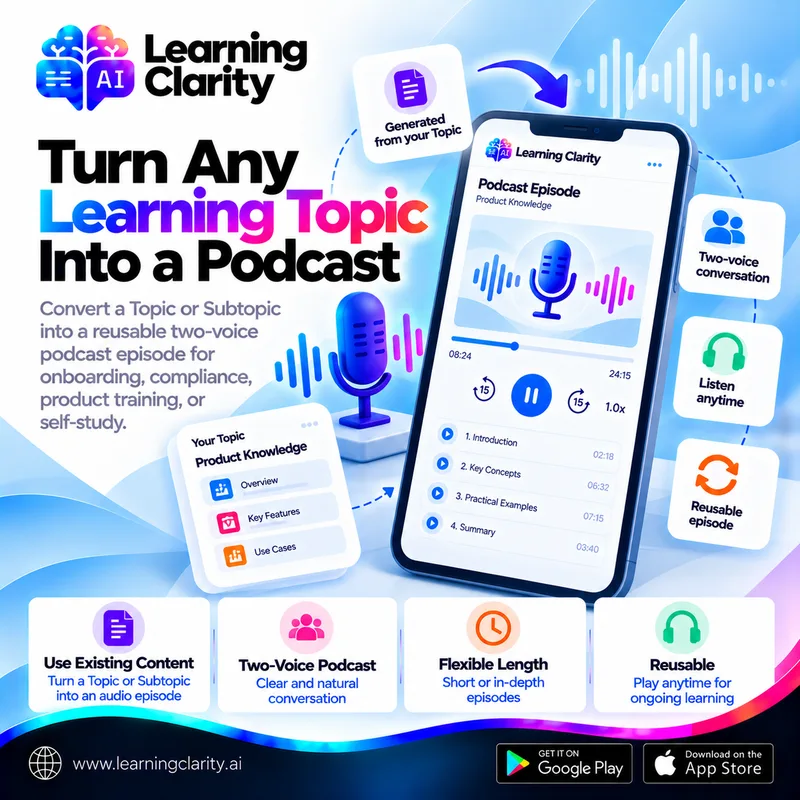
Podcast generation turns an existing Topic or Subtopic into a two-voice episode. The episode is created once and can be replayed later. Topic-level generation can support a wider length range, while focused Subtopics are suited to shorter episodes.
The systematic review of educational podcasts offers useful context: podcasts can be acceptable and useful adjuncts in some educational settings, but the evidence varies by design and context. Learning teams should therefore treat podcasting as an additional format and evaluate it alongside their learning objectives.
3. Start a Live “Talk About This” Conversation
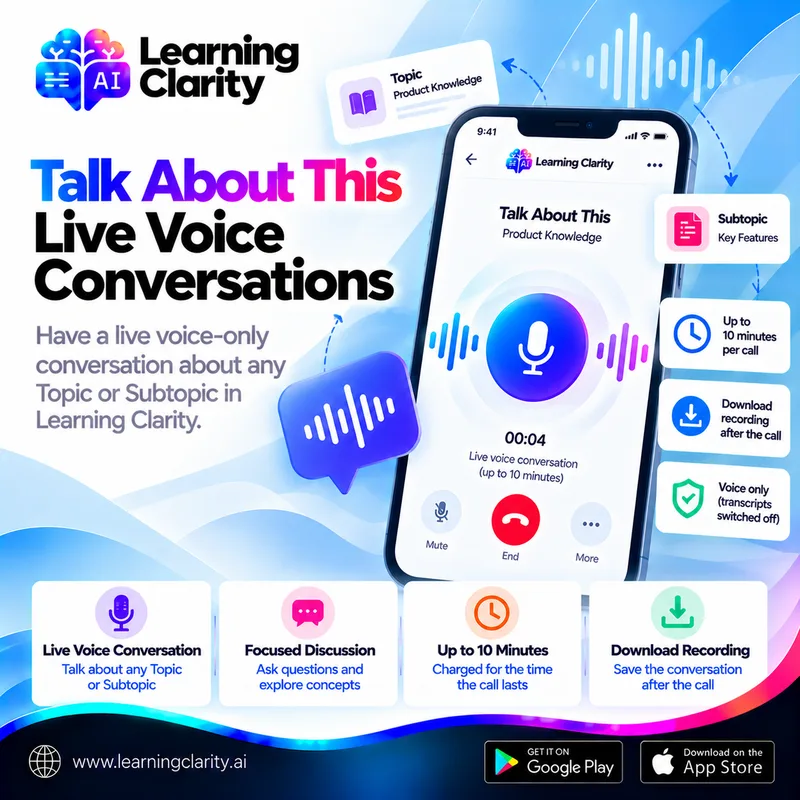
“Talk about this” is not a podcast. It opens a fresh live call linked to a Topic or Subtopic. The conversation screen describes it as voice-only, states that transcripts are switched off for that content, and allows the learner to download the recording after the call.
The call is capped at 10 minutes and is charged according to how long it lasts.
Persistent Playback Connects Audio to the Rest of the App
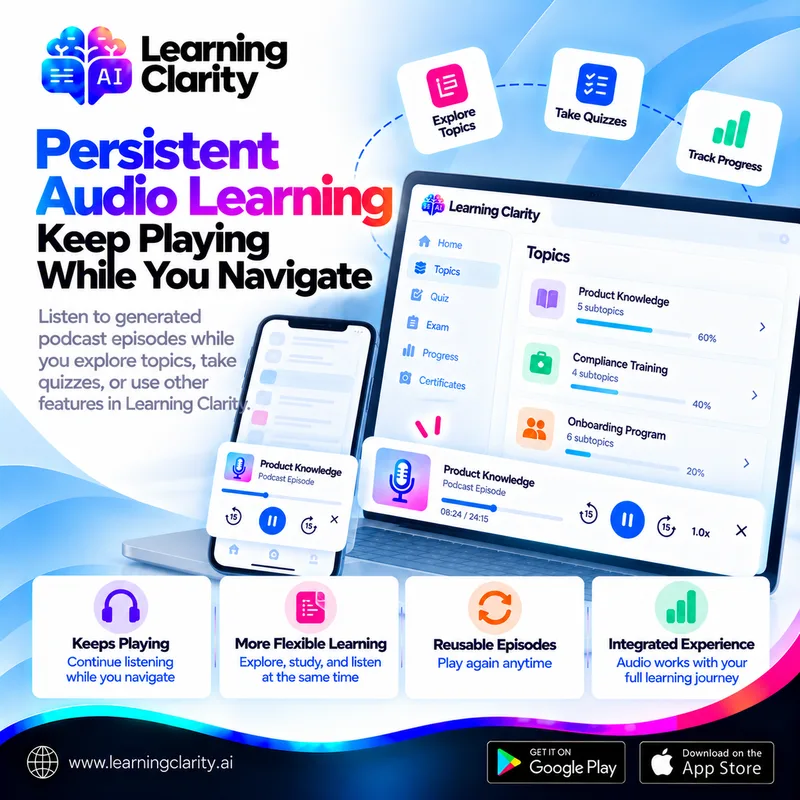
Generated podcast episodes play through a persistent player that can continue while the learner navigates elsewhere in Learning Clarity. This makes audio part of the overall learning environment rather than a separate destination.
Research on prosodic signals in podcast learning also suggests that the way audio is delivered can influence the learning experience. The practical lesson is that audio design, pacing, and context still matter even when generation is automated.
How Organizations Can Use the Three Formats
An L&D team might use direct audio for accessible review, generate a podcast for a reusable onboarding or compliance episode, and allow live voice conversation when a learner wants to engage with a Topic in a more active way. Quiz or Exam Mode can then provide a separate assessment layer when the organization needs evidence of understanding.
This separation is useful because it prevents one feature from being asked to do everything. Listening is not an exam. A live conversation is not automatically a compliance record. A generated podcast is not a substitute for hands-on practice. Each format has a specific role.
Practical Scenario: One Topic, Three Audio Options
Consider a product training Topic. A learner first listens to a learning chunk while reviewing the product. Later, the team publishes a generated podcast that summarizes the broader Topic and can be replayed. When the learner wants to discuss a specific Subtopic, they choose “Talk about this” and start a voice call.
Afterward, the learner can use Quiz or Exam Mode to check knowledge. The content remains one Topic, but the learner has several ways to interact with it depending on the task.
Best Practices for Audio Learning
Decide what each audio format is for before publishing it. Keep source Topics accurate, choose episode length based on content scope, use live voice within clear usage and privacy expectations, and pair audio with assessments when understanding needs to be measured.
Organizations should also review current Learning Clarity privacy information and internal policies when voice or downloadable recordings involve sensitive training content.
Matching the Audio Format to the Moment
The three formats fit different moments in a learning journey. Listening to learning content suits a first pass or a quick refresher when reading is inconvenient. A generated podcast suits repeated review of a whole Topic, because it is created once and can be replayed. A live “Talk about this” call suits the moment a learner wants to work through a specific difficulty rather than listen.
For organizations, a short guide for learners avoids confusion: which Topics have an episode, when a live conversation is appropriate, and how credits are used for podcast generation and live calls. Setting those expectations before rollout keeps the formats from competing with each other or with the assessments that confirm understanding.
Whichever format is used, the check of understanding stays the same. Audio can introduce, reinforce and discuss a Topic, but Quiz and Exam modes remain the way to see whether the learning has held.
Frequently Asked Questions
What audio features are available in Learning Clarity?
Learning Clarity supports direct audio listening, generated podcast episodes, and the separate Talk About This live voice conversation feature.
Is Talk About This the same as a podcast?
No. A podcast is generated once and replayed. Talk About This starts a fresh live voice call each time.
Can generated podcasts keep playing while I navigate the app?
Yes. Generated episodes can play through a persistent player that continues while the learner navigates elsewhere in Learning Clarity.
Does audio replace Quiz or Exam Mode?
No. Audio provides additional learning formats, while Quiz and Exam modes are used for structured practice and assessment.
Conclusion
Audio learning is most useful when it gives learners genuine choice without breaking the structure of the learning journey. Learning Clarity now supports listening, reusable podcast episodes, and live voice conversation around the same Topic framework.
Explore the audio workflow in Learning Clarity or create a free account and test which format fits your learning or training content.
Try it with your own material
Create a free account and turn a document you already have into a structured Topic with explanations, quizzes and exams.
Create a free account